 Open demo

Feedback
Like and dislike
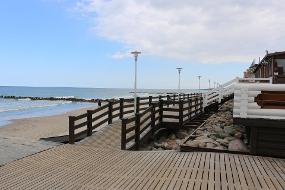
Collect positive and negative reactions, show counts, and keep photo names and numbering visible.
Open real albums, compare layouts, and try likes, branding, access controls, and sharing flows before creating your own.
Each preview is a working Photo-Pick album. Open one to see exactly what your audience will see.
Open demo
Collect positive and negative reactions, show counts, and keep photo names and numbering visible.
 Open demo
Let viewers mark favorites with a heart. You can also use thumbs, checks, or no reaction at all.
 Open demo
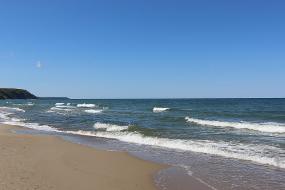
Keep the presentation quiet and focused with only your images and simple numbering.
 Open demo
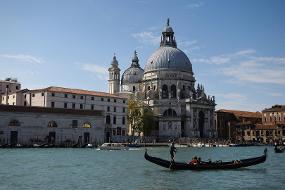
Add a recognizable logo and album description for a more professional client experience.
 Open demo
Shape the album around your visual identity for consistent, polished delivery.
 Open demo
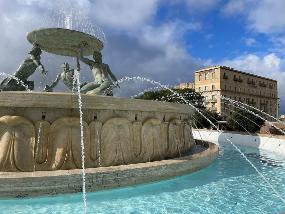
Add context to individual images and control how descriptions appear with your photography.
Compare six presentation styles, from an immersive single-image flow to compact grids and playful Polaroids.
View layout
Large images presented one after another for focused viewing.
 View layout
A balanced overview that makes it easy to scan many images.
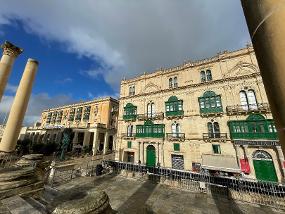 View layout
Consistent square crops for a neat, gallery-style rhythm.
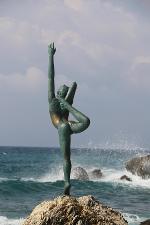 View layout
A distinctive circular treatment for portraits and playful sets.
 View layout
Classic instant-photo styling with clear image names.
 View layout
Instant-photo styling combined with a quick selection flow.
Photo-Pick links can identify viewers, protect access, collect details, and guide people to the right next step.
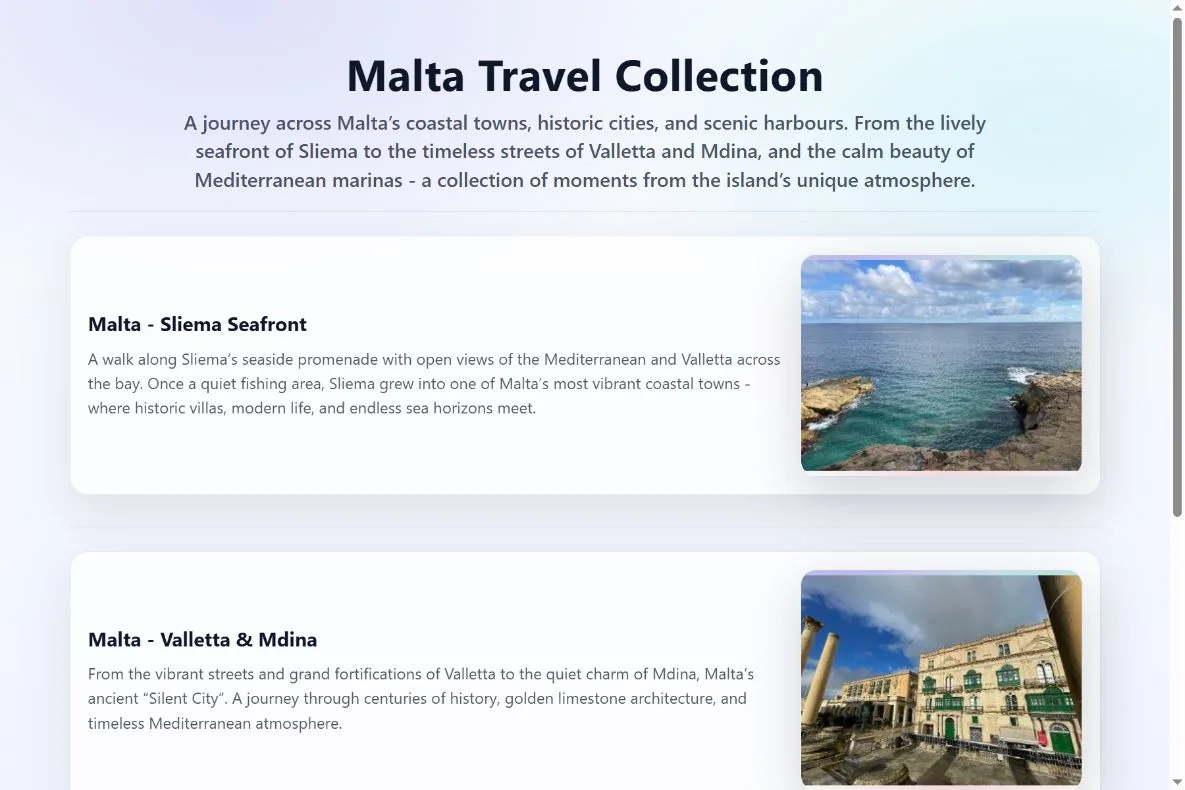
Explore three Malta travel albums in one collection, each with its own cover, title, and description.
Open collection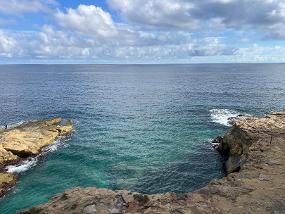
Help viewers understand an album before they open it, including when albums are grouped inside a folder.
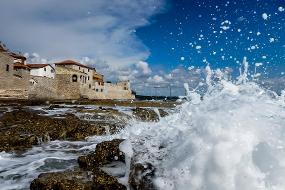
Request a name before showing the album when you need to know who opened it or selected photos.
Try this flow
Let visitors view or pick photos, then guide them back to the website page they came from.
Try this flow
Give viewers a clear finish after they complete their selection and submit the album.
Try this flow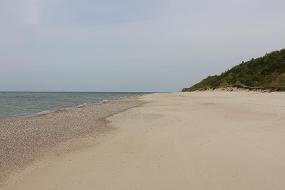
Collect contact information after a viewer finishes picking photos. This is useful when many people share one link.
Try this flow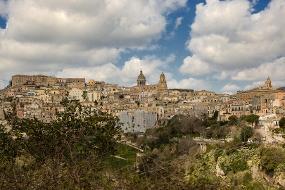
Continue the journey on a booking page, portfolio, store, or any other URL after album viewing.
Try this flow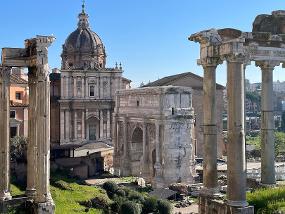
Share a private album while keeping access limited to people who know the code.
Demo access code: Roma
Open protected demoCreate an album, choose the layout and interactions, then send one clean link to anyone.
